Play Traktor from an iPad — Pro 3 or 4
You can play Traktor Pro 3 or 4 from an iPad over a USB cable — no extra interface, no network setup. The iPad becomes the surface you touch; Traktor stays the engine on your computer, which means you need a Mac or a PC running Traktor Pro as well as the iPad. The app itself is free to download. Here's what you need and how it works.
Looking for Traktor Pro on the iPad? It doesn't exist: there's no iPad version of Traktor Pro, and NI's separate iPad app, Traktor DJ 2, is still on the App Store but no longer developed. This guide is about playing Traktor Pro from an iPad.
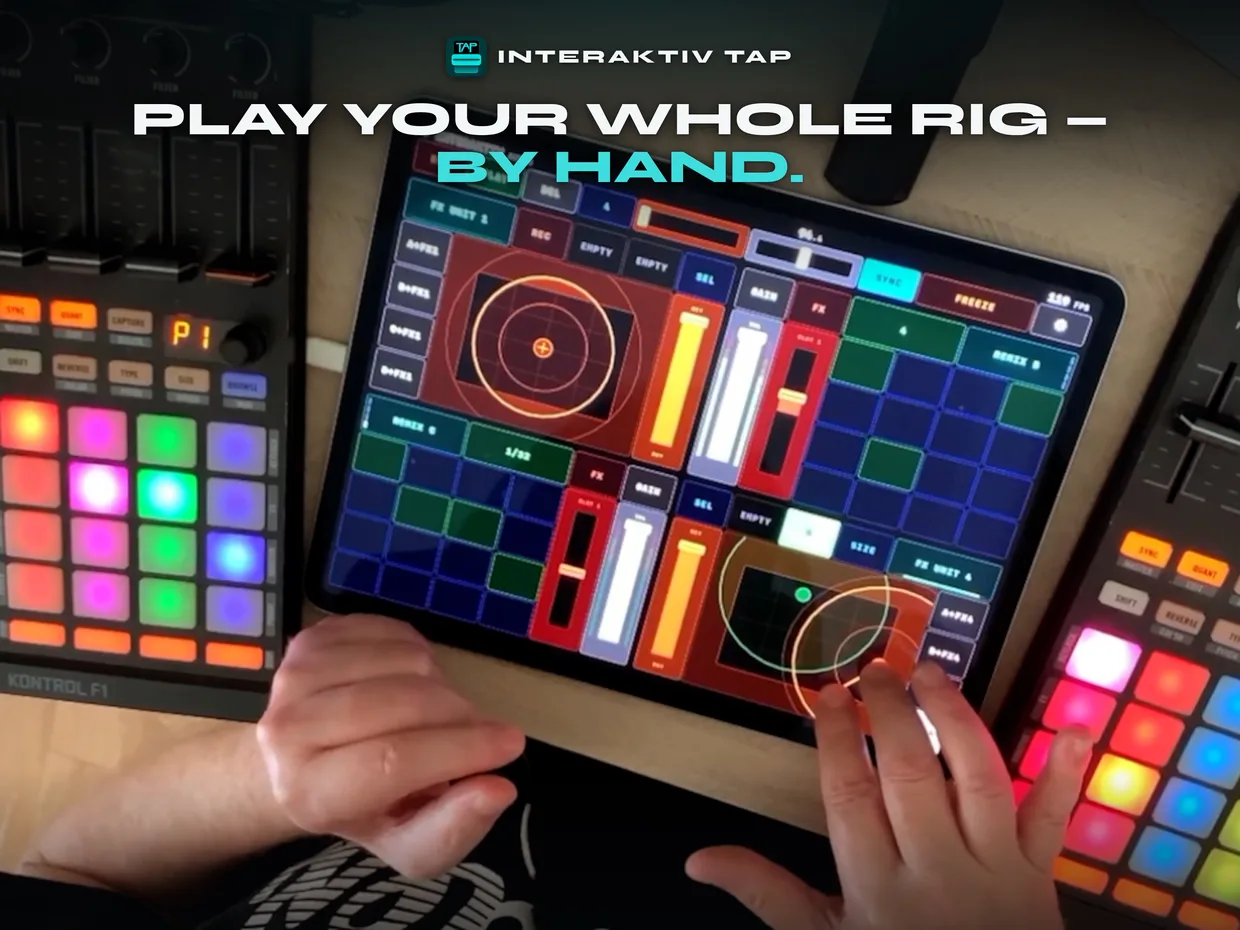
#What you need
- An iPad running iPadOS 18 or later — the mini included.
- Traktor Pro 3 or 4 — Native Instruments' DJ software, bought separately — on a Mac, or on Windows 11 (25H2 or newer) with the free Interaktiv Bridge app.
- The cable that came with your iPad — Lightning or USB‑C. Straight into the computer it carries the MIDI and charges the iPad while you play. A hub or a controller's USB port passes the MIDI too; whether the iPad also charges through one depends on the hub and the cable. That's the whole rig.
#How it connects
Plug the iPad into the computer running Traktor. It shows up as a standard MIDI device, so Traktor talks to it the way it talks to any controller — it sits alongside the S4, X1 or Z1 you already have, rather than replacing it.
You never build the mapping, and you never open Traktor's mapping screen. It arrives finished, folded into a copy of your own Traktor settings, so your other controllers and layouts come back untouched and your original file is left alone. And when Traktor updates, we test against it and ship a new mapping — keeping this working is the job.
It goes both ways. Moving a fader on the iPad moves it in Traktor, and Traktor's own state — levels, hot cues, loop status — lights back up on the iPad. The USB MIDI leg costs a millisecond or two, measured two ways.
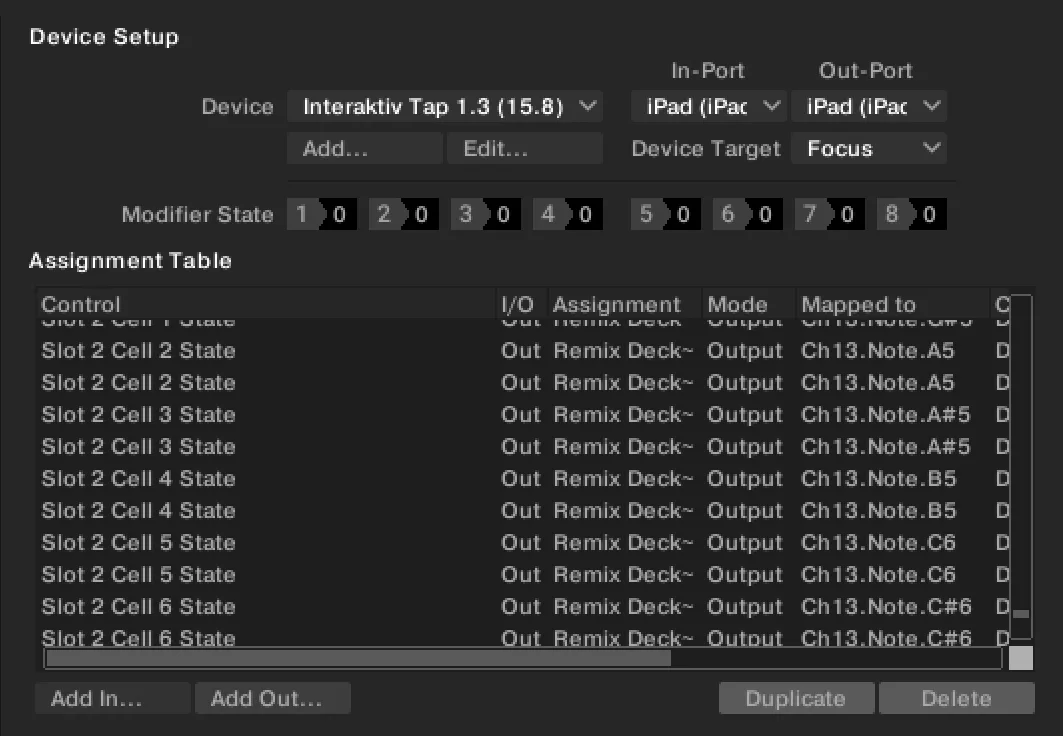
Two steps, once, and about two minutes: switch the iPad on as a MIDI device — on Windows, install the Bridge instead — then merge your settings. After that it's a cable and the app.
And if that cable gets kicked out mid-track, nothing happens to your set — Traktor carries on playing exactly as it was. Plug back in and the iPad catches up to Traktor by itself.
The full manual walks through every step, with a screenshot for each.
#Controller, or instrument?
What's on the screen is four decks and four FX units at once. Each deck is whatever Traktor has it set to — a track deck, a stem deck, a live input, or a Remix deck, which arrives as a 4×4 grid of cells you launch by tapping, quantized so they land in time. That last one matters: Remix decks are why a lot of people are still on Traktor, and this is a full-sized surface for playing them. It is an instrument for live sets as much as for DJ sets.
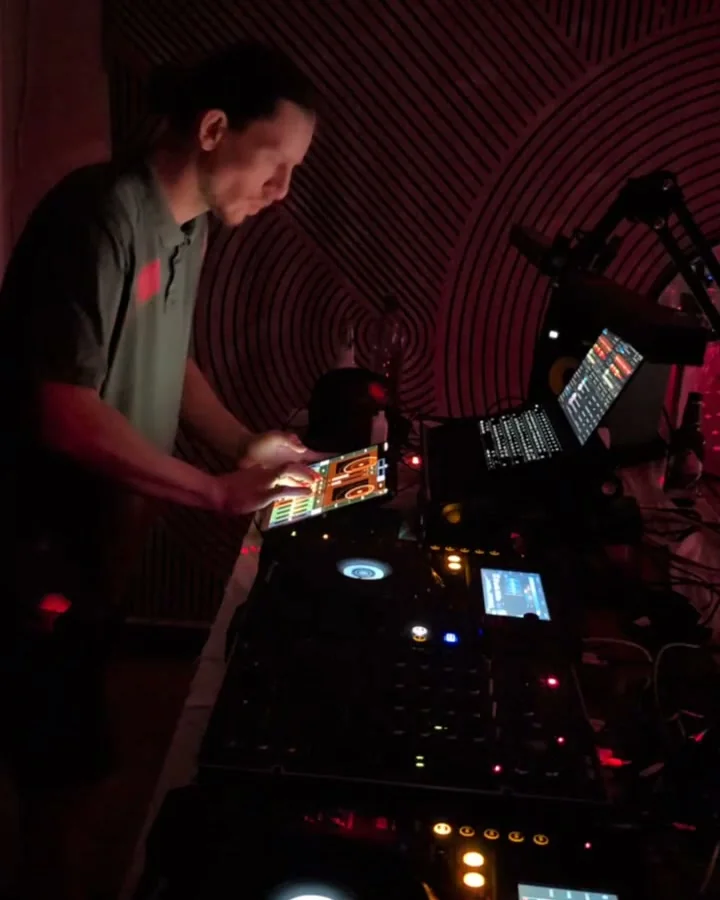
The FX units are four Kaoss Pad-style touch surfaces — the effect switches on the moment a finger lands and off when the last one lifts. Except a Kaoss Pad gives you two axes, and these give you three.
That third axis is where a one-to-one controller stops. A knob sends one value; glass doesn't have to:
- Three axes under two fingers. Touch an FX pad with two fingers and it tracks X, Y and the distance between them — the effect's own three knobs, so on a reverb that's HP, LP and size, moving together from one hand.
- Gestures that keep playing. Record that move, release, and it loops in time with the track while your hands go somewhere else.
- A way back. Hold FREEZE and the sound is snapshotted: take anything anywhere, let go, and you're back where you were.
None of those are Traktor features being reached from a distance — Traktor has no three-axis control, no gesture loop and no snapshot. They are what the instrument adds on top of it.
#Is it for you?
It plays the performance half of Traktor — the decks, the mixer, the loops and cues you reach for mid-track, and all four FX units with every parameter of the chosen effect, in Single mode. The library stays on the laptop: you still browse and load there. If that split suits how you play, the rest is worth a look.
Three ways to check before you download, each one a straight answer rather than a pitch:
- See it, and see it moving — the surface, the gestures, and what the whole thing looks like on a screen.
- Read the audit — every Traktor command it plays and every one it doesn't, generated from the shipping mapping on each build rather than written by hand.
- Check it's alive — the release history, with dates.
Working with stems? Here's how to play Traktor's stem and remix decks from an iPad. On Windows? The free Interaktiv Bridge carries the same USB connection — that page shows it running next to Traktor on a Windows machine.
#Get it
Interaktiv Tap is free to download, with a 7-day trial — then a one-time unlock, $14.99 in the US and its own price in every other store (see yours). No subscription, and nothing charges you when the trial ends. It needs an iPad, Traktor Pro 3 or 4, and a USB cable.
Current version: 1.3, mapping 15.12.0. Every release, with its date, is on the news page.

 Scan with your iPad
See what Interaktiv Tap does →
Scan with your iPad
See what Interaktiv Tap does →